
 THIS VIDEO EXPLAINS THE EXPECTATIONS FOR THE DAY!
Our 1st Quarter will focus on media creation, while or 2nd Quarter will focus more on coding.
Regardless of the lesson, FouloisTech.info should be your destination every time you come into class. This space will be used to provide announcements, lessons, and other resources.
- Objective:
- Students will be able to:
- Identify the parts of a computer.
- Understand what makes a computer run.
- Students will be able to:
- Announcements:
- No late work for this Quarter will be accepted after Monday, January 12th!
- This deadline is 2 weeks before the end of the Quarter and is far more lenient than PGCPS policy.
- Work owed from unexcused absences will still not be accepted.
- Between January 12th and the last day of the Quarter, PGCPS policy will be followed.
- No late work for this Quarter will be accepted after Monday, January 12th!
- Previous Lessons: Lesson 3, Lesson 4, Lesson 5, Lesson 6, Lesson 7, Lesson 8, Lesson 9
- Today's Lesson: Typing.com Pre-Keyboarding Lessons
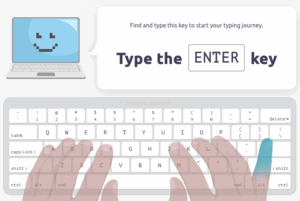 We will begin by using Clever to log into Typing.com.
- Only Typing.com logins done through Clever will show the work that has been assigned.
- Students may be asked to select a class. The one with "Aaron Smith" as the teacher is the correct one.
- Students are only responsible for the Pre-Keyboarding activities today, though if they finish early they are encouraged to return to Code.org to finish any work they still have there.
- The Pre-Keyboarding activities are split into 4 sections:
- Introduction to Typing
- Using a Mouse or Trackpad
- Parts of a Computer
- What Makes a Computer Run
- Grading Rubric:
- Students earn 2 points for each completed portion of the lesson.
- Students earn 1 point for each PARTIALLY completed portion of the lesson.
- This is an IN-CLASS assignment, NOT HOMEWORK. Please stay on task to complete this work by the end of class!